

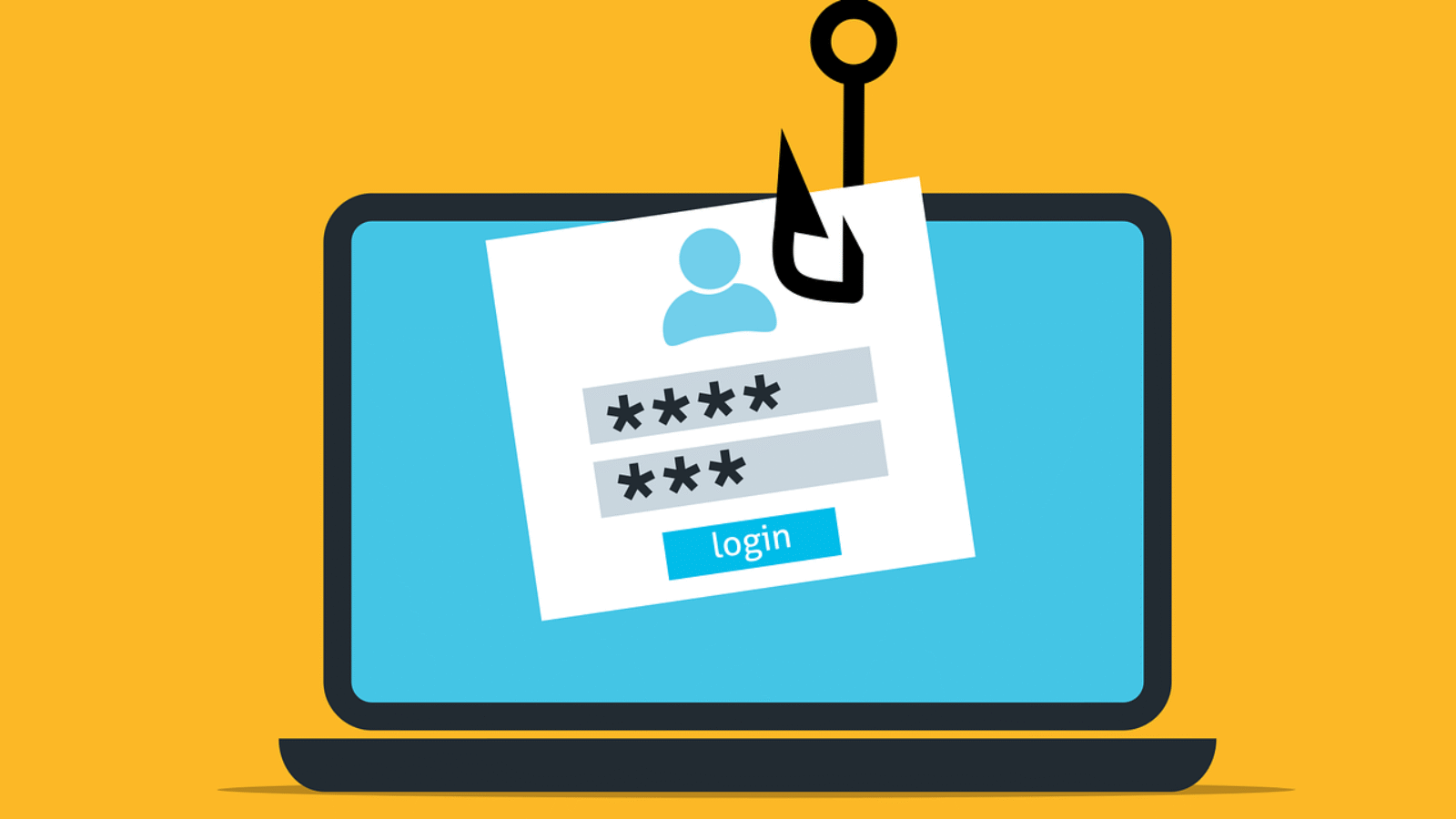
Phishing attacks are one of the most common ways cybercriminals steal sensitive information. They use deceptive emails, messages, or websites to trick recipients into revealing passwords, financial information, or other confidential data. Recognizing phishing attempts is critical to protecting your business and personal information.
Signs of a Phishing Email
- Suspicious Sender Address
Check the sender’s email address carefully. Often, it will mimic a legitimate company but include small changes, such as extra characters or misspellings. - Urgent or Threatening Language
Phishing emails frequently create a sense of urgency, claiming your account will be locked or that immediate action is required. - Unexpected Attachments or Links
Avoid opening attachments or clicking links from unknown sources. Malicious files can install malware or redirect you to fake websites. - Generic Greetings
Emails that address you with “Dear Customer” instead of your name can be a red flag. - Spelling and Grammar Errors
Many phishing emails contain typos or awkward phrasing that indicate they are not from a professional source. - Requests for Sensitive Information
Legitimate organizations rarely ask for passwords, social security numbers, or payment information via email.
How to Protect Yourself
- Verify the sender by contacting the organization directly.
- Hover over links to see the actual URL before clicking.
- Use email filters and anti-phishing tools.
- Educate employees about phishing tactics through regular training.
- Report suspected phishing emails to your IT or security team.
Key Takeaway
Phishing emails are a major cybersecurity threat, but they can be recognized and avoided with vigilance. By carefully checking sender details, avoiding suspicious links, and educating your team, businesses can reduce the risk of falling victim to scams and protect their sensitive data.